As working from home continues to be the norm for many, creating a space that nurtures both productivity and comfort is essential. Whether you’re setting up a small corner in your living room or converting an entire room into an office, paying attention to key elements can transform the way you work.
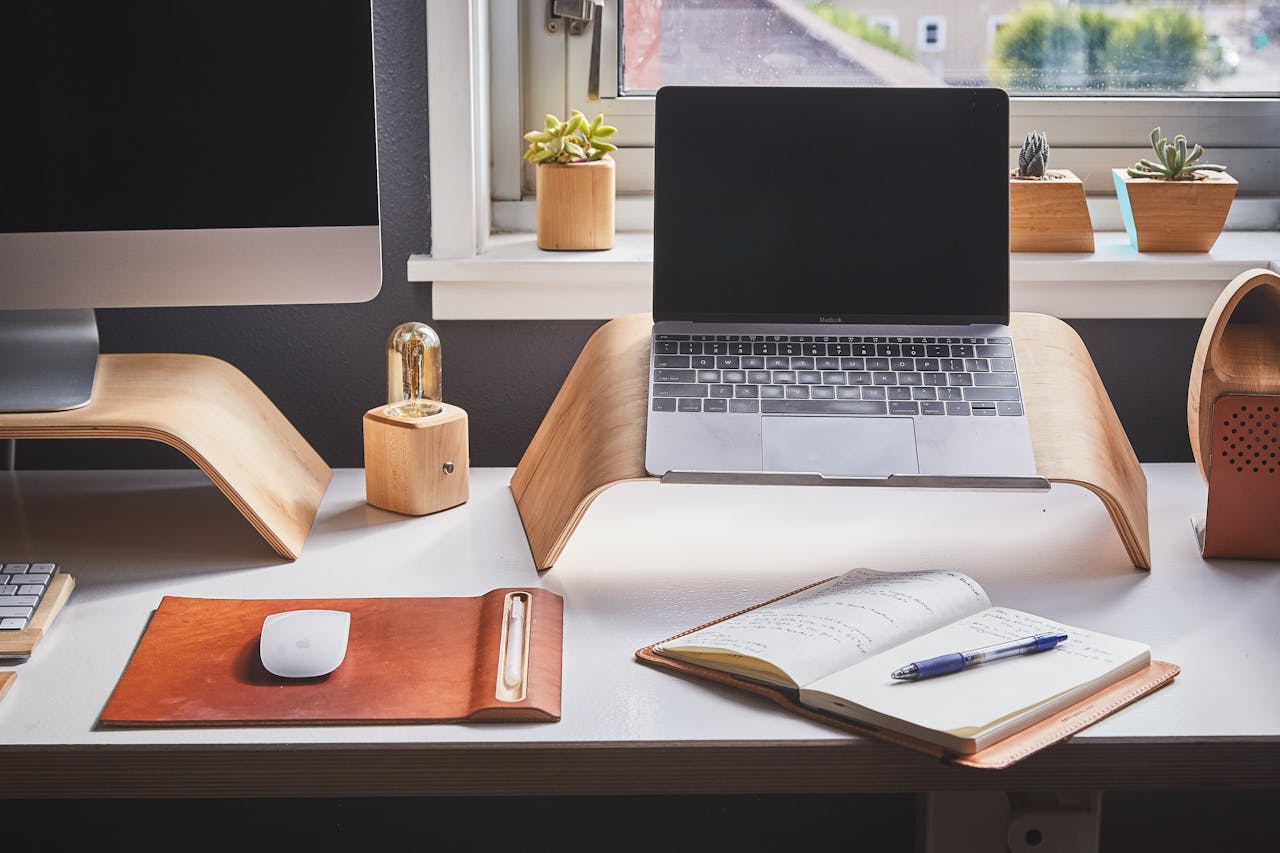
Create a Dedicated and Ergonomic Workspace
A dedicated workspace is essential for maintaining productivity, and the right furniture can significantly impact your comfort throughout the day.
Begin by selecting an ergonomic chair that supports your posture and reduces strain. Choose a desk with enough surface space to hold your work essentials, such as a computer, stationery and any necessary files. Position your desk so that your computer screen is at eye level, preventing neck strain. You should also invest in a good-quality keyboard and mouse to avoid repetitive strain injuries. This simple adjustment can make a noticeable difference in your comfort and overall work performance.
Optimise Lighting and Reduce Clutter
Lighting is a crucial but often overlooked aspect of creating an efficient home office. A well-lit space improves mood and focus, while poor lighting can cause headaches and fatigue.
Natural light is ideal, so try to position your desk near a window if possible. If natural light is limited, invest in high-quality artificial lighting – task lighting that illuminates your work area without glare is a must. Aim for a combination of ambient, task and accent lighting for the best results.
Natural light is ideal, so try to position your desk near a window if possible. If natural light is limited, invest in high-quality artificial lighting – task lighting that illuminates your work area without glare is a must. Aim for a combination of ambient, task and accent lighting for the best results. Creative lighting can also elevate an office space, adding character and warmth while boosting mood and focus.
Equally important is keeping your workspace tidy. Clutter not only makes your desk look chaotic but can also negatively affect your mental clarity. Use storage solutions such as filing cabinets, drawer organisers or shelves to keep papers and supplies out of sight. Organising your workspace regularly will help you stay focused and reduce stress, enabling you to work more efficiently.
Invest in a Fast and Reliable Broadband Connection
A strong internet connection is essential for any home office. Slow or unreliable broadband can hinder your productivity, cause delays during virtual meetings, and increase frustration. Once you’ve identified the speed you need, do a quick online search for broadband providers in my area to compare availability and local deals.
Opt for a plan that accommodates the type of work you do, especially if your job involves frequent video conferencing or large file transfers. A fast and reliable connection can improve your work experience dramatically, enabling you to meet deadlines and communicate without interruptions.
Online Security and Protections
Working from home means handling sensitive information, so it’s essential to prioritise online security.
Start by using strong, unique passwords for all of your accounts, and consider a password manager to keep them safe. Ensure your devices are protected with up-to-date antivirus software and enable firewalls to block potential threats. Regularly back up important files to the cloud or an external drive to avoid losing valuable work.
If you’re handling highly sensitive data, consider investing in a virtual private network (VPN) to secure your internet connection and maintain privacy during online transactions or communications. These steps will help keep your digital workspace safe and secure.